
Blog
AI Computer Vision for Exercise Form Correction Guide
Learn how AI computer vision detects joint keypoints, calculates joint angles, and corrects exercise form in real time using an ordinary smartphone camera.
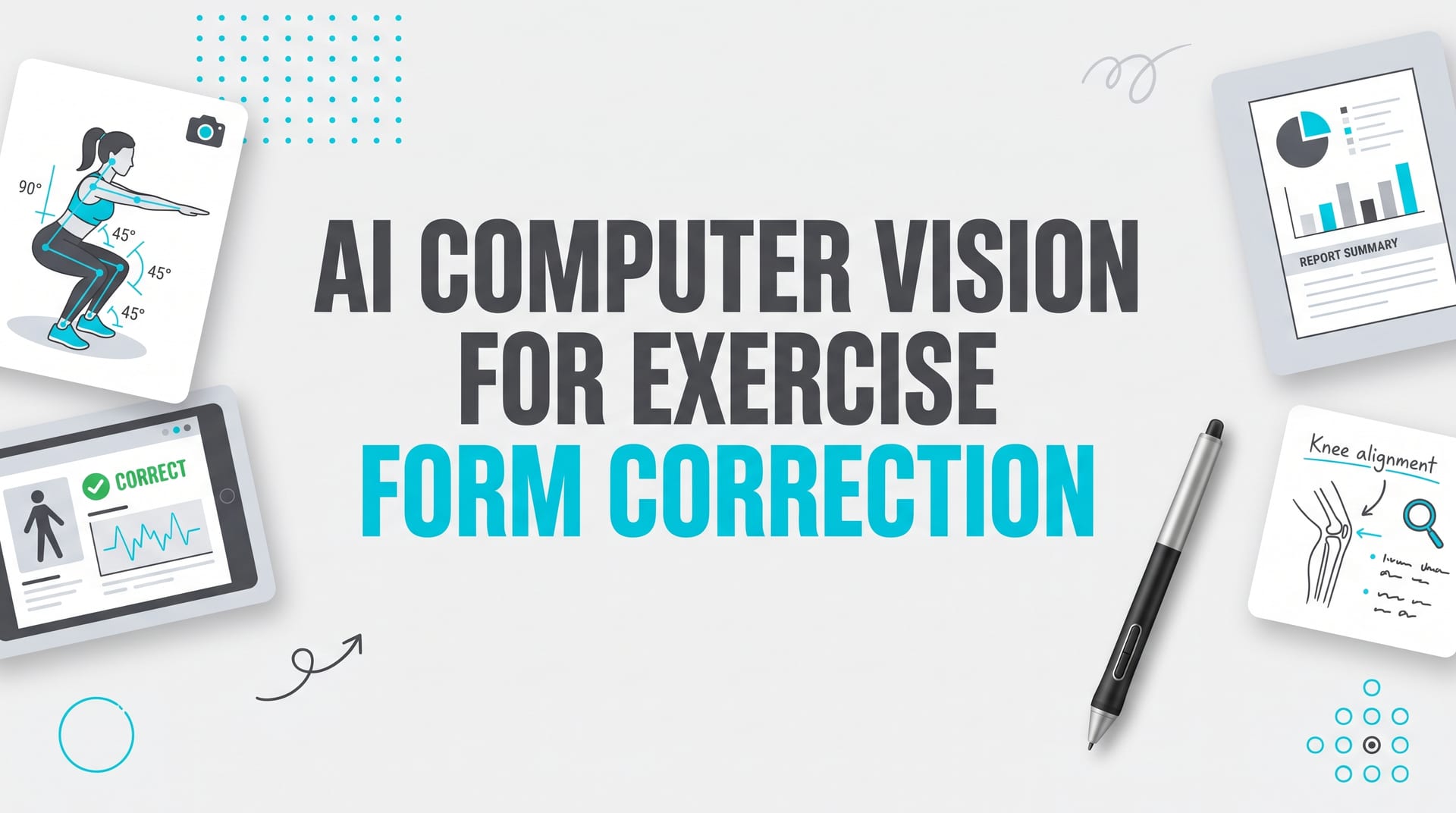
AI Computer Vision for Exercise Form Correction
How camera-based machine learning translates raw video frames into biomechanical coaching cues in real time.
Camera-based coaching applications use ai computer vision for exercise form correction by converting standard video frames into coordinate landmark data, calculating spatial joint angles, and evaluating reps against biomechanical baselines within 50 milliseconds. Instead of saving raw video, the model builds a dynamic wireframe model to catch faults like knee valgus or spinal rounding before bad repetitions cause injury.
From Pixels to Skeletons: How Pose Estimation Maps the Body
Pose estimation neural networks turn the chaotic visual data of a workout space into predictable geometric landmarks. The software evaluates your device's camera stream at 30 to 60 frames per second, passing each image array through a convolutional backbone or vision transformer.
Rather than analyzing clothing or muscle shapes, the model predicts probability heatmaps for specific anatomical landmarks. Standard systems use topologies like the COCO Keypoint Dataset, tracking 17 primary joints, or Google's MediaPipe Pose Landmarker, which registers 33 distinct skeletal keypoints spanning the ankles, knees, hips, shoulders, elbows, and facial orientation.
Each identified landmark contains three spatial variables: an X coordinate (horizontal plane), a Y coordinate (vertical plane), and a confidence score between 0.0 and 1.0. If you step behind a bench and your calf disappears, the network lowers the confidence metric for your ankle joint rather than guessing blindly.
Modern models detailed on arXiv research publications calculate an estimated Z coordinate (depth relative to your hips). This pseudo-3D information helps the system understand whether your knees track forward over your toes or bow inward during the bottom of a repetition.
- Frame Acquisition: The camera hardware grabs an uncompressed RGB video frame at fixed frame rates.
- Detector Stage: A fast neural net isolates your bounding box, cropping out ambient gym clutter.
- Landmark Regression: A deeper pose model predicts heatmaps for all 33 anatomical joints.
- Temporal Smoothing: Exponential moving averages or Kalman filters strip out micro-jitter between frames.
33
Biomechanical landmarks tracked on modern mobile pose frameworks
<50 ms
Total inference pipeline latency needed for real-time auditory cues
60 FPS
Target camera capture rate to eliminate high-velocity motion blur
Biomechanical Rule Engines: How AI Scores Exercise Technique
Keypoint coordinates are meaningless without a biomechanical engine to translate raw vectors into exercise standards. Once joints are mapped, the software runs vector trigonometry to calculate your real-time joint angles.
To calculate knee flexion during a squat, the engine forms two vectors: one running from the hip joint to the knee, and another from the knee to the lateral malleolus of the ankle. The dot product between those vectors reveals your exact interior knee angle.
These measured angles are continuously checked against sports science baselines from organizations like the National Strength and Conditioning Association. If you want to perfect your squat form, the rule engine verifies that your hip crease drops below your patella while confirming your lumbar spine remains within acceptable flexion margins.
| Exercise | Key Joints Monitored | Target Biomechanical Threshold | Common Form Violation Detected |
|---|---|---|---|
| Back Squat | Hips, Knees, Ankles | Hip crease below patella (<90° knee angle) | Incomplete range of motion, knee valgus collapse |
| Standard Push-Up | Shoulders, Elbows, Wrists, Spine | Elbow flexion to 90°, spine angle >170° | Lumbar hyperextension, flared elbows (>75° abduction) |
| Romanian Deadlift | Shoulders, Hips, Knees, Ankles | Hip hinge displacement, knee flex 15–20° | Excessive knee bend, thoracic spine flexion |
| Overhead Press | Wrists, Elbows, Shoulders, Pelvis | Full elbow lockout (180°), vertical forearm path | Excessive lumbar arching, forward bar drift |
The application also tracks range of motion (ROM), movement cadence, and structural symmetry. A clinical review in the National Library of Medicine highlights that vision-based angle estimations consistently land within 3 to 5 degrees of dedicated gold-standard optoelectronic motion capture laboratories.
- Planar Vector Calculation: Translating raw X/Y points into joint angles across movement planes.
- Phase Segmentation: Identifying eccentric descent, inflection point, and concentric ascent.
- Velocity Thresholding: Ensuring controlled tempo rather than ballistic bouncing through joints.
- Bilateral Symmetry Checking: Flagging weight shifts where one side takes disproportionate load.
Audio Prompts and Visual Overlays: Delivering Sub-Second Feedback
Real-time correction fails if cues arrive after the rep ends. Human motor relearning happens during the repetition, which means the model must process frames, detect mechanical breakdown, and fire an alert before you lock out.
Visual feedback relies on a live skeletal overlay drawn directly onto the user's camera feed. The app paints green digital bones across well-aligned joints, shifting lines to yellow or red when a limb strays outside healthy parameters. Text callouts float alongside the offending joint, reading "Push knees out" or "Lower hips."
Because lifters cannot safely look sideways at a phone screen during a heavy bench press or squat, auditory cues are crucial. Developers integrate low-latency text-to-speech engines or distinct synthesized chimes to deliver corrections through your headphones without breaking neck alignment.
- Tone-Based Alerts: High-pitch chimes acknowledge completed depth; sharp low chimes warn of spinal rounding.
- Spoken Directional Cues: Short two-word imperative phrases ("Chest up", "Deeper", "Elbows in") triggered instantly.
- Haptic Pulses: Smartwatch vibrations signaling rep cadence or lockout without requiring auditory focus.
Tracking Pitfalls: Occlusion, 2D Parallax, and Edge Failures
Single-camera computer vision is not flawless. The most persistent obstacle is occlusion, which occurs whenever one object or body part blocks another from the camera lens. During a side-profile lunge, your front leg can completely hide the trailing hip and knee.
Another significant issue is 2D parallax distortion. A smartphone camera flattens a complex, rotational 3D human body onto a flat two-dimensional sensor. If your phone sits 30 degrees off to the side instead of purely perpendicular, standard trigonometric calculations can misjudge a flat back as severe spinal rounding.
Single-sensor vision models don't measure pure anatomy; they measure light reflected onto a 2D sensor. If your camera angle drifts by 15 degrees, your calculated joint angles will shift by up to 8 degrees.
Environmental conditions frequently degrade performance. Baggy sweatpants obscure your true knee joint center, tricking the keypoint detector into tracking fabric folds. Dim basement lighting introduces sensor noise and motion blur, while heavy backlighting from a gym window turns you into an unreadable silhouette.
- Self-Occlusion: Limbs crossing behind torso lines during lunges, side planks, or rows.
- Equipment Occlusion: Large 45-pound bumper plates blocking hip hinges and knee tracks.
- Clothing Artifacts: Oversized hoodies hiding shoulder positions and spinal curvature.
- Lighting Deficits: Low shutter speeds resulting in smeared limb keypoints during explosive movement.

Exercise Suitability: What Vision Models Track Accurately
Computer vision models excel at bilateral, planar exercises where movement occurs almost entirely within the sagittal or frontal planes. When your joints travel along predictable paths perpendicular to the camera, keypoint tracking confidence stays consistently high.
Conversely, multi-planar and rotational exercises overwhelm single-camera systems. In an Olympic snatch or kettlebell windmill, limbs rotate along the transverse plane, creating extreme perspective distortion and rapid keypoint crossover. When tracking becomes unreliable for complex movements, exploring exercise alternatives AI can match you with planar variations that camera models track with high precision.
- High Accuracy (90%+ Confidence): Bodyweight squats, barbell front squats, standard push-ups, static planks, romanian deadlifts.
- Moderate Accuracy (75–85% Confidence): Walking lunges, barbell bench presses, standing military presses, lateral raises.
- Low Accuracy (<65% Confidence): Barbell snatches, clean and jerks, kettlebell swings, turkish get-ups, Russian twists.
Physical Setup: Camera Distance, Angles, and Room Lighting
Your camera placement dictates tracking accuracy more than the underlying algorithm. A high-end vision model fed an awkward, low-angle video stream will fail, whereas a lightweight model with clean framing will output dependable biomechanical data.
Place your smartphone or tablet between 6 and 10 feet (2 to 3 meters) away from your workout mat. The lens needs an unobstructed view of your entire frame—from your sneakers to your overhead reaching fingertips—with roughly 15% open buffer space at the top and bottom of the frame.
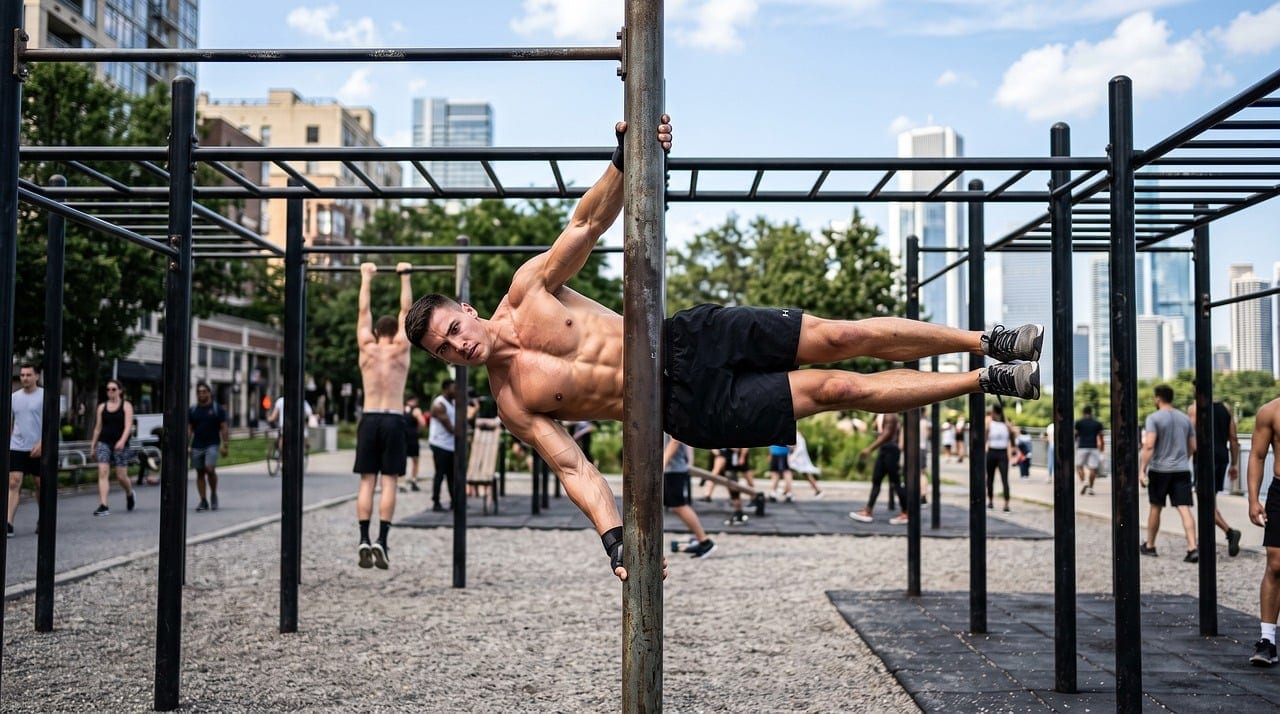
Mount the device at roughly hip height (30 to 40 inches off the floor) using a sturdy tripod or magnetic gym mount. Tilting a phone upward from the floor introduces vertical perspective compression, which artificially shortens your femur measurements during hip hinge analysis.
- Set Camera Height: Position the lens between waist and chest height to minimize vertical keystoning.
- Match the Movement Plane: Face the camera head-on for frontal exercises (jumping jacks) or at 90 degrees for sagittal lifts (deadlifts).
- Adjust Lighting Sources: Position lights in front of you; never position yourself directly in front of an exposed window.
- Contrast Your Clothes: Wear fitted athletic wear that stands out visually from your wall and flooring colors.
- Clear the Background: Move dumbbells, foam rollers, and plates outside your bounding box to avoid landmark confusion.
Edge Inference: Processing Video Locally for Data Privacy
Transmitting live video streams from a private living room or gym floor to remote cloud servers creates severe privacy and latency liabilities. Leading fitness vision apps solve this by running all edge inference directly on your device's hardware.
Modern operating systems provide native machine learning runtimes, such as Apple Vision Framework and ONNX Runtime. These frameworks tap directly into dedicated Neural Processing Units (NPUs) built into current silicon chips, analyzing video frames in volatile RAM before purging them instantly.
Under this architecture, raw camera pixels never leave your phone. The neural network extracts landmark coordinate arrays locally, discarding the image buffer immediately. If workout metrics sync to your account, the app transmits only mathematical strings like repetition counts, tempo timestamps, and minimum joint angles.
If you are using platforms like Fitnix to build personalized, progressive workout plans, combining adaptive programming with smart, privacy-first computer vision ensures you train with proper mechanics while keeping your camera data entirely under your control.
Frequently Asked Questions
How does AI computer vision detect joints through clothing?
Can camera AI prevent severe lifting injuries?
Why does my tracking glitch when someone walks behind me?
Do I need an expensive camera or LiDAR sensor for form tracking?
Sources & References
- COCO Consortium — Benchmark dataset standards for multi-person keypoint evaluation.
- Google MediaPipe Documentation — Architectural specifications for the 33-point on-device pose landmark topology.
- arXiv Repository — Research publications covering monocular real-time 3D pose estimation architectures.
- National Strength and Conditioning Association — Biomechanical standards and kinetic joint angles for resistance exercises.
- National Library of Medicine — Clinical trials comparing vision-based motion tracking against optoelectronic laboratory benchmarks.
- Apple Developer Documentation — Technical guides on hardware-accelerated computer vision and on-device machine learning inference.
- ONNX Runtime — Open-source acceleration engine for cross-platform neural network deployment on edge devices.